A beautiful invitation or well-designed flyer can help set the tone for an event before the day arrives. But creating professional-looking designs can take time, especially when you’re working with tight deadlines, multiple revisions or limited design experience.
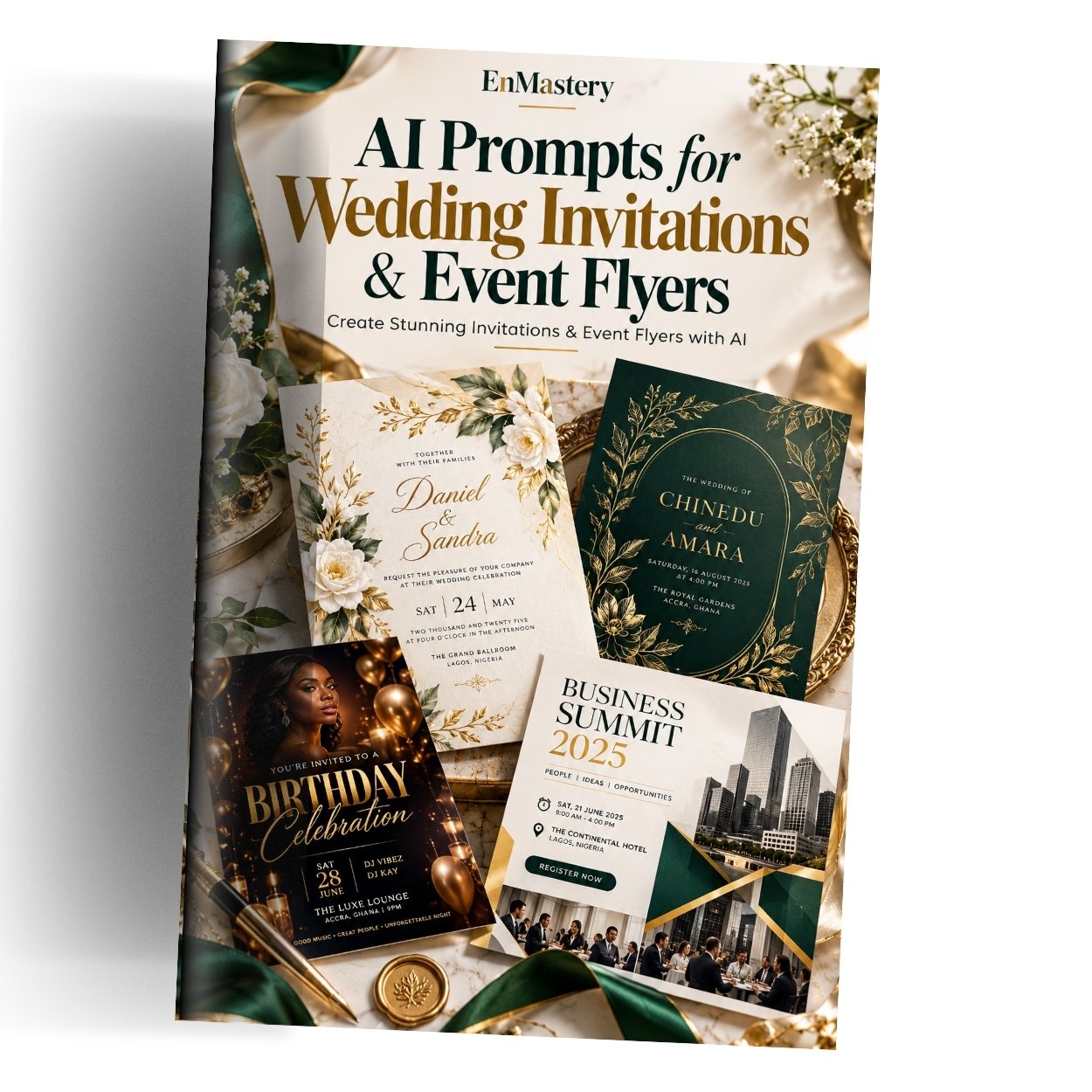
AI Prompts for Wedding Invitations & Event Flyers is a practical digital eBook that teaches you how to use structured AI prompts to create attractive invitation cards, event flyers and promotional designs.
Whether you’re preparing for a wedding, organising a birthday party, promoting a business offer or designing a flyer for a community event, this guide helps you communicate your design ideas more clearly and produce useful starting concepts with AI.
What’s Inside?
1. A Simple Formula for Better AI Designs
Learn a six-part prompt-writing formula covering:
- Subject: the design you want to create
- Layout: how the elements should be arranged
- Style: the visual direction
- Colour: the palette to use
- Text: the exact wording to display
- Finish: the format and print-quality requirements
This structure helps you move beyond vague instructions and gives your AI tool a clearer creative brief.
2. Wedding Invitation & Stationery Prompts
Explore ready-to-use templates for:
- Classic floral wedding invitations
- Minimalist modern invitations
- Traditional African-inspired wedding invitations
- Vintage botanical invitation designs
- Save-the-date cards
- RSVP reply cards
Customise the colours, names, wording and layout to suit your celebration.
3. Event Flyer Prompts
Create design concepts for:
- Live music nights and entertainment events
- Community gatherings and fundraisers
- Business promotions and limited-time offers
- Birthday parties and anniversaries
- Conferences, seminars and workshops
The prompts help you prioritise the headline, date, time, venue and other important details so the flyer is easier to read.
4. Fixing & Refining AI Designs
Your first design may not be perfect. Learn practical ways to improve it by:
- Correcting misspelled or garbled text
- Reducing clutter and unnecessary elements
- Refining colours and typography
- Improving headline visibility
- Specifying the correct print size and layout
- Making one change at a time while preserving the elements you like
5. A Final Checklist Before Printing or Sharing
Use the included checklist to review:
- Names, dates, times, addresses and prices
- Spelling and completeness of the wording
- Colour consistency and readability
- Print size, margins and bleed requirements
- QR codes, links and contact details
This final review helps you catch avoidable errors before sending designs to guests, customers or a printer.
Who Is This eBook For?
This guide is ideal for:
- Couples designing their own wedding stationery
- Wedding planners and event organisers
- Graphic designers and freelance creatives
- Churches, schools and community organisations
- Small businesses promoting offers and product launches
- Birthday and party organisers
- Beginners who want to explore AI-assisted design
Why You’ll Find It Useful
Beginner-friendly: No advanced graphic design experience is required to start using the prompts.
Customisable templates: Replace the bracketed fields with your names, dates, venues, colours and other event details.
Versatile applications: Use the prompts for weddings, parties, business promotions, workshops and community events.
Better creative control: Specify the layout, visual style, colour palette and exact wording instead of leaving every decision to the AI.
Practical refinement tips: Learn how to improve an almost-finished design without starting over unnecessarily.
Print-conscious guidance: Understand the importance of correct dimensions, readable text, margins and final proofreading.
What You Receive
- One digital PDF eBook
- Ready-to-use wedding invitation prompts
- Event flyer and promotional design prompts
- A six-part prompt-writing formula
- Practical troubleshooting techniques
- A final checklist for printing and sharing
Create Your Next Invitation or Flyer with More Confidence
Choose a prompt that matches your project, replace the placeholders with your exact details, and generate your first design concept. Refine the result, check every word and make sure the final layout meets your printing or digital-sharing requirements.
The prompts can be adapted for use with compatible AI image-generation tools and design software such as Canva.